
Prospective Clients
In CaseFlow, "leads" are labelled Prospective Clients throughout the interface. They are inquiries you are tracking before you have decided to take them on as clients. A Prospective Client has no matters, invoices, or trust records until you convert them.
Plan requirement
Prospective Clients is a Multi-Practice plan feature. On lower plans the sidebar shows a lock badge and the module is inaccessible.
What you can do
- Track prospective clients through your own pipeline stages
- Toggle between a List (default) and a Kanban board view
- Run an automatic conflict check during conversion to a client
- Capture inquiries from public web-to-lead forms
- Pull new prospective clients from a designated email mailbox (IMAP)
- Tag, assign, set reminders, attach files, and keep notes on each record
- Link proposals and tasks to a prospective client before they become a client
- Mark records as Lost or Junk and exclude them from the pipeline
Where it lives
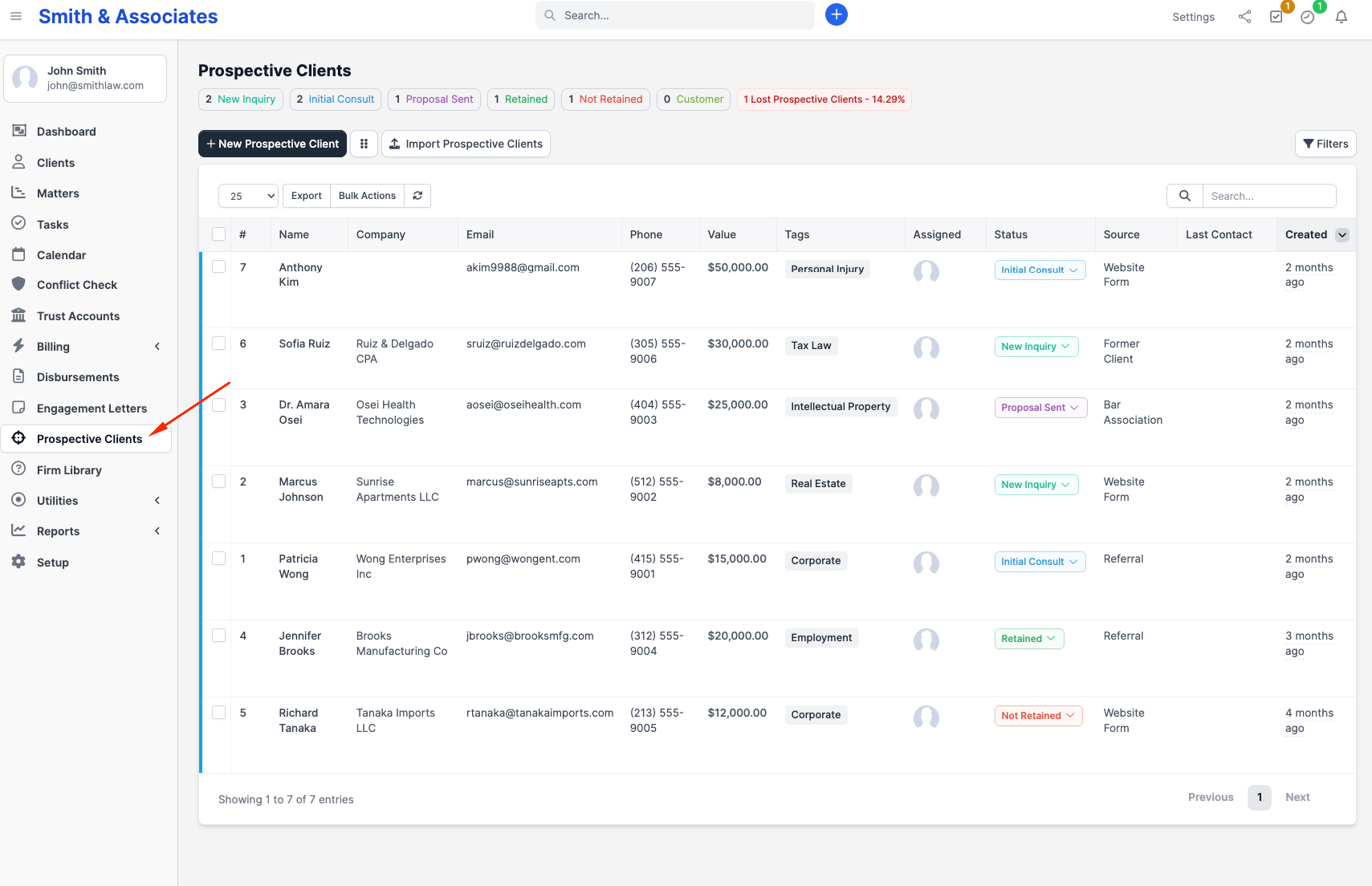
Click Prospective Clients in the sidebar (sidebar icon: crosshairs). The List view opens by default, with a button to switch to the Kanban board.
Prospective Client vs. client
A Prospective Client is a separate record type. They do not appear in the client list and cannot be billed. Once you decide to take them on, click Convert to client on the record; CaseFlow creates a client (and primary contact) populated from the Prospective Client's details. After conversion the Prospective Client is flagged as converted and (by default) becomes read-only for non-admins.