
Settings
Settings control how your firm's CaseFlow instance works: company details, staff management, email templates, financial configuration, and customisation options.
Accessing settings
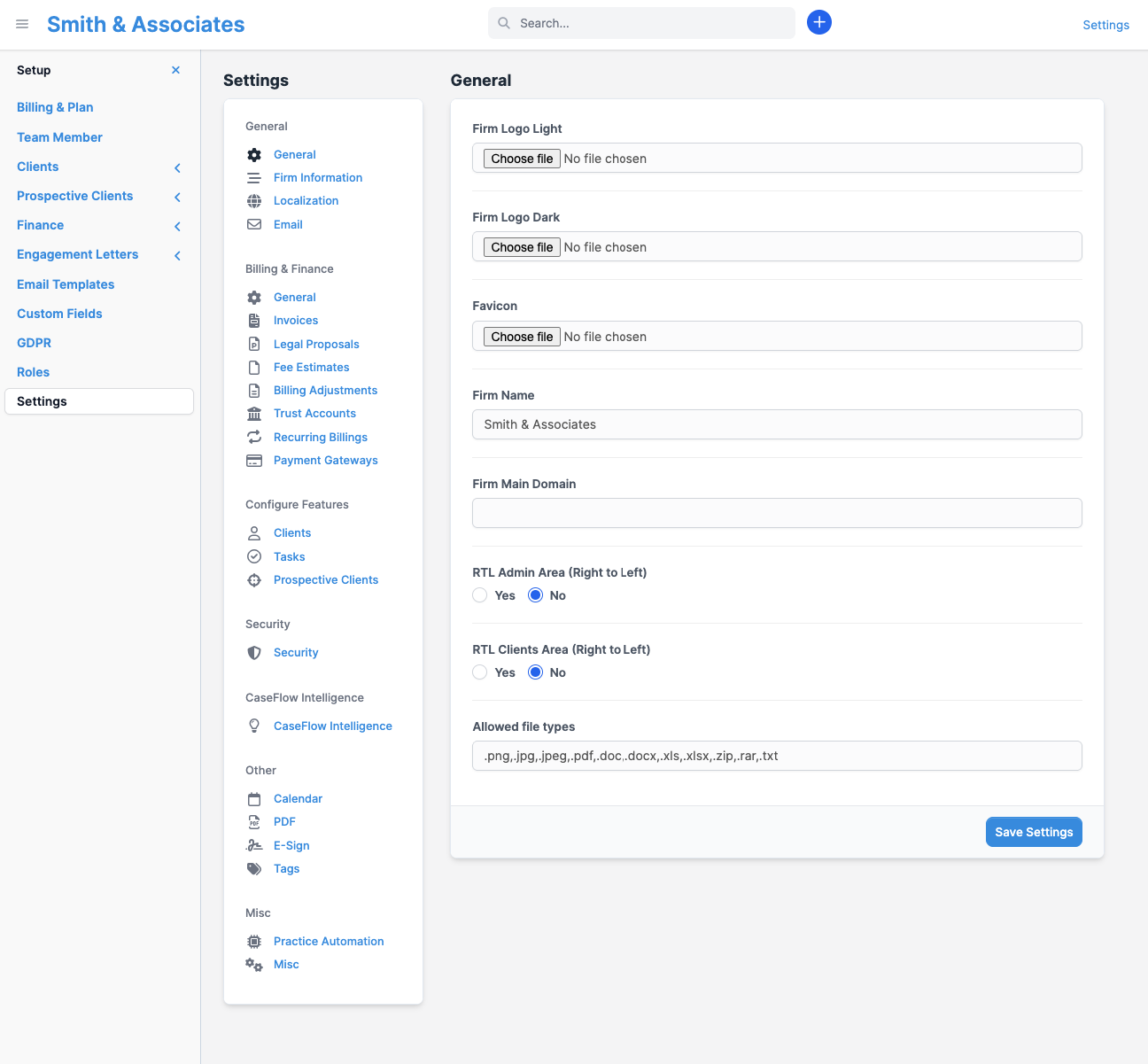
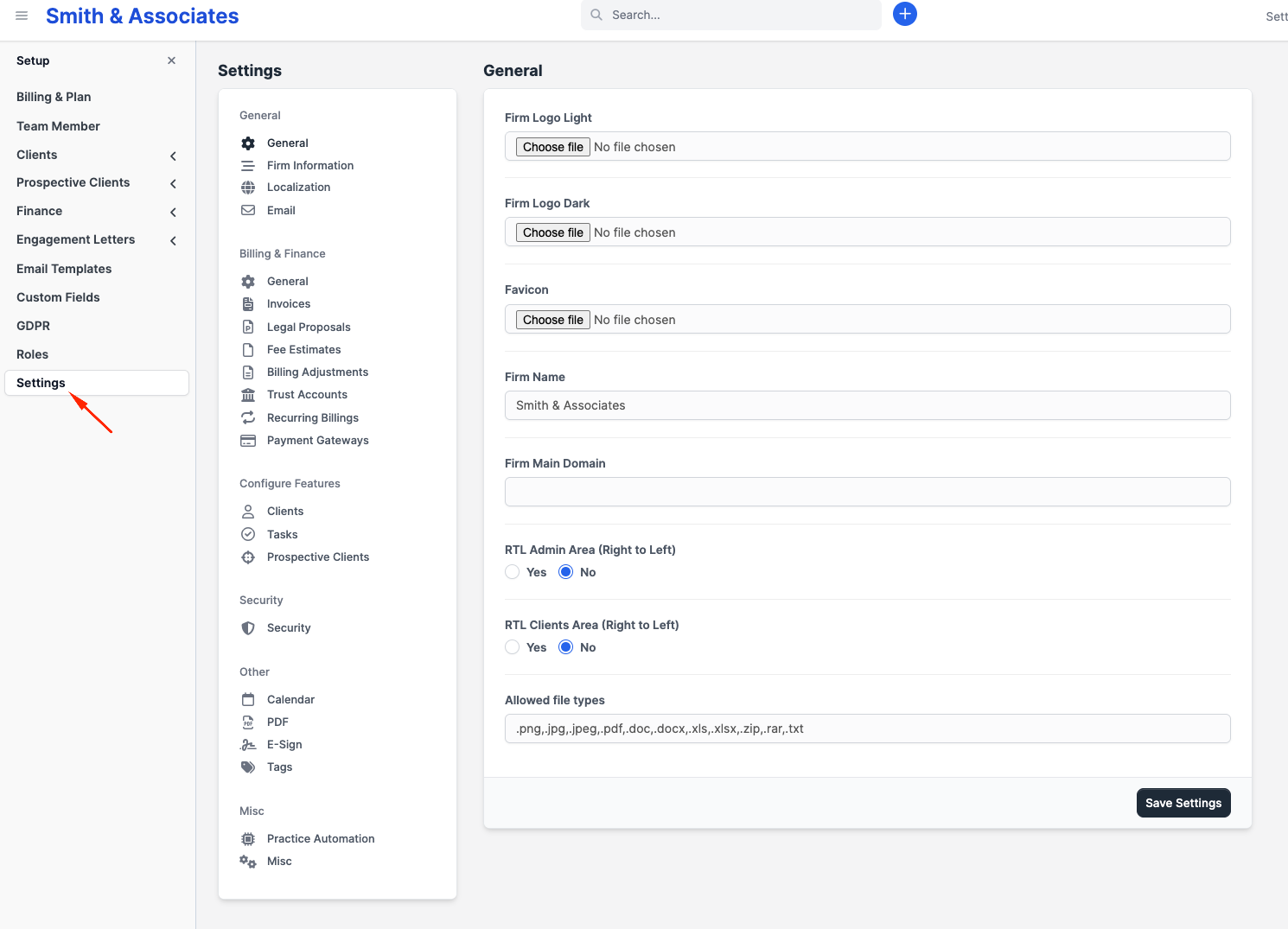
Click the gear icon in the top right corner of the sidebar to open Setup. This reveals the settings menu.
Only administrators can access most settings. Regular staff members see a limited view (their own profile and possibly email templates, depending on permissions).
Setup menu
| Section | What it controls |
|---|---|
| Billing & Plan | Your CaseFlow subscription (plan, seats, payment method) |
| Team Member | Team members, departments, hourly rates |
| Clients | Client groups |
| Prospective Clients | Lead sources, statuses, email integration, web forms |
| Finance | Taxes, currencies, payment modes, expense categories |
| Engagement Letters | Contract types |
| Custom Fields | Extra data fields on clients, matters, invoices, etc. |
| GDPR | Data privacy tools |
| Roles | Permission sets (Multi-Practice plan only) |
| Email Templates | Customise outgoing email content |
| Settings | General firm settings (the main settings page) |
General settings tabs
Under Setup > Settings, you find:
- General: Firm name, logo, address, timezone, language
- Finance: Default currency, invoice settings, payment reminders, taxes
- Email: Email header/footer content, signature
- Clients: Client-related defaults
- Tasks: Task defaults and notification settings
- Misc: Miscellaneous options
CaseFlow Intelligence
Administrators turn on the firm's AI features from the CaseFlow Intelligence settings page. This is where you enable the master switch, turn on each capability your plan includes, and complete the consent step required for document features. See Turning on CaseFlow Intelligence.
Plans and availability
Most settings are available on all plans. Roles and granular permissions require the Multi-Practice plan. The Billing & Plan section only appears for firm administrators. CaseFlow Intelligence features are available on the Growth and Multi-Practice plans.